This article pertains to the following facts
- You are running Windows 8 or 8.1
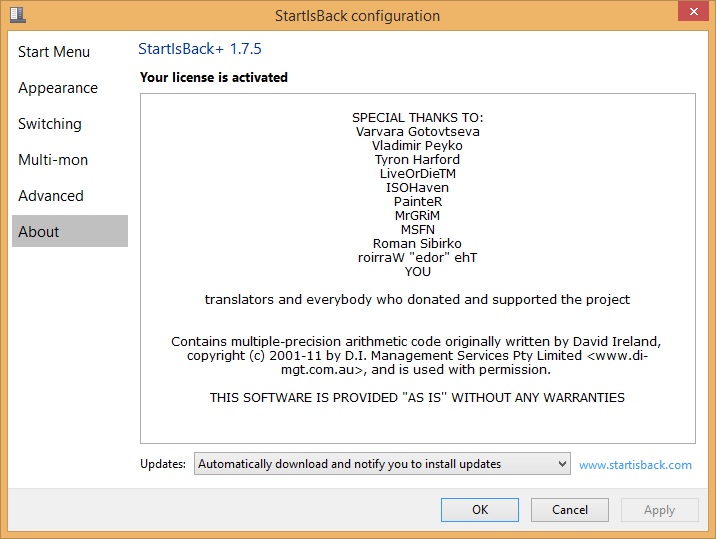
- You have StartisBack installed on your system.
The issue
After doing Windows updates and logging into your freshly updated computer you see a black screen with only the mouse cursor.
The Cause
StartisBack is most likely out of date and needs to be uninstalled or updated for the system to act normally again.
The Fix
You can do one of the two following steps to solve this issue.
Uninstall
Press Ctrl+Alt+Del (or Win+Power on tablet). Select Task Manager, File – Run new task. Type
StartIsBackCfg.exe /uninstall
and click OK. On a tablet, you may need to locate osk.exe in WindowsSystem32 folder and run it to be able to type on the screen.
As alternative, you may run iexplore.exe (or firefox.exe, chrome.exe or your other favorite browser), go to www.startisback.com, download and install newer version.
Update
Update the latest version in place by doing the following steps.
- From a separate computer download the latest startisback version and place it on a flash drive or on the affected computers hard drive through the network by going to \%Computer Name%c$
- On the affected machine use Ctrl + Alt + Del and click Task Manager
- In Task manager click File, Run New Task
- Type in Cmd (the next steps assume you know how to use the cmd line).
- Navigate to the path where you have the new version of StartisBack and type in the file name to start the update.
- Once updated the computer should run normally again.
For other StartisBack issues check out the StartisBack Issue Tracker
Share this:

Discover more from Matt Crawford
Subscribe to get the latest posts sent to your email.